Juthika Saxena | Consultant, PwC
I recently got certified in Kyriba Connectivity. Off late, they have changed the passing criteria. One now needs to score 75% in all 3 modules - EBICS, FTP and SWIFT. With the ever increasing demand for Kyriba, clients want certified consultants, not people who will learn on the job. So I built a study app to prepare for the Kyriba Connectivity Certification, covering all three modules: EBICS, FTP/SFTP, and SWIFT.
The Problem
The exam is precision-focused. Vague familiarity does not pass it. The highest-weight content lives in the class exercises: exact field values, setup sequences, error traps, not the slide decks. Standard revision (PDFs, highlights) was not going to cut it.
What I Built
A React-based interactive prep app with everything in one place.
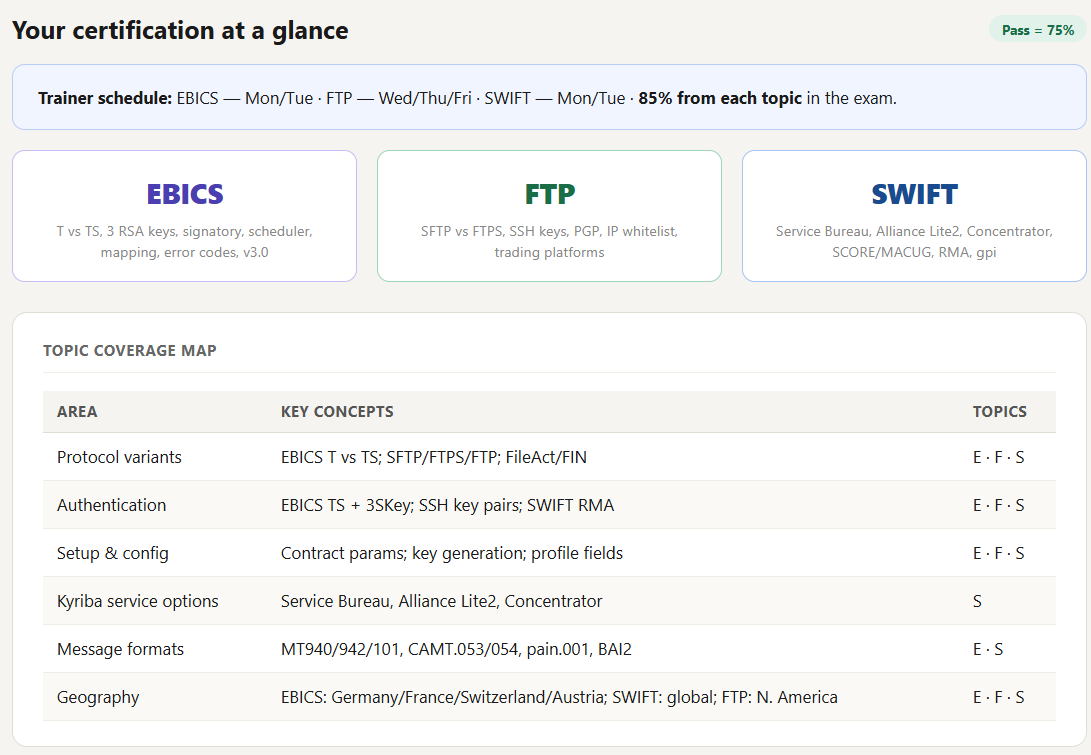
Each module (EBICS, FTP, SWIFT) includes setup walkthroughs, concept tables, flashcards, match games, and class exercises rebuilt as interactive practice.
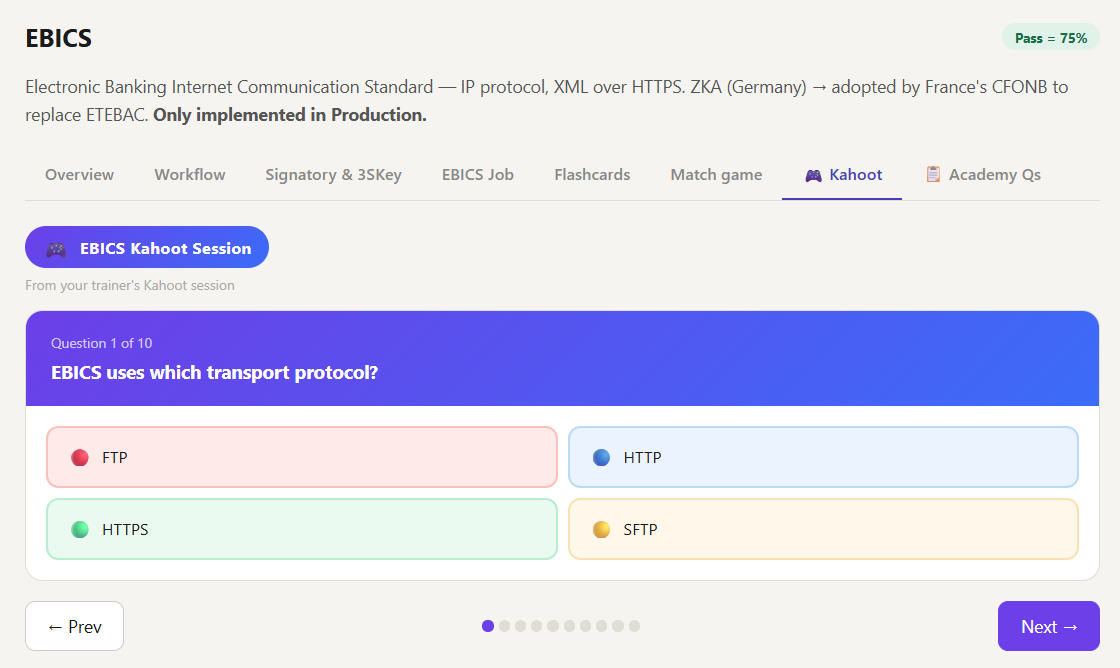
Kahoot Questions
After each training session, the trainer runs a live Kahoot quiz covering the key concepts from that day. These questions are gold. They tell you exactly what the trainer considers exam-worthy, and the question style closely mirrors what you will see in the actual certification.
I reconstructed all the Kahoot questions from trainer screenshots and embedded them directly into the app, with explanations for every answer.
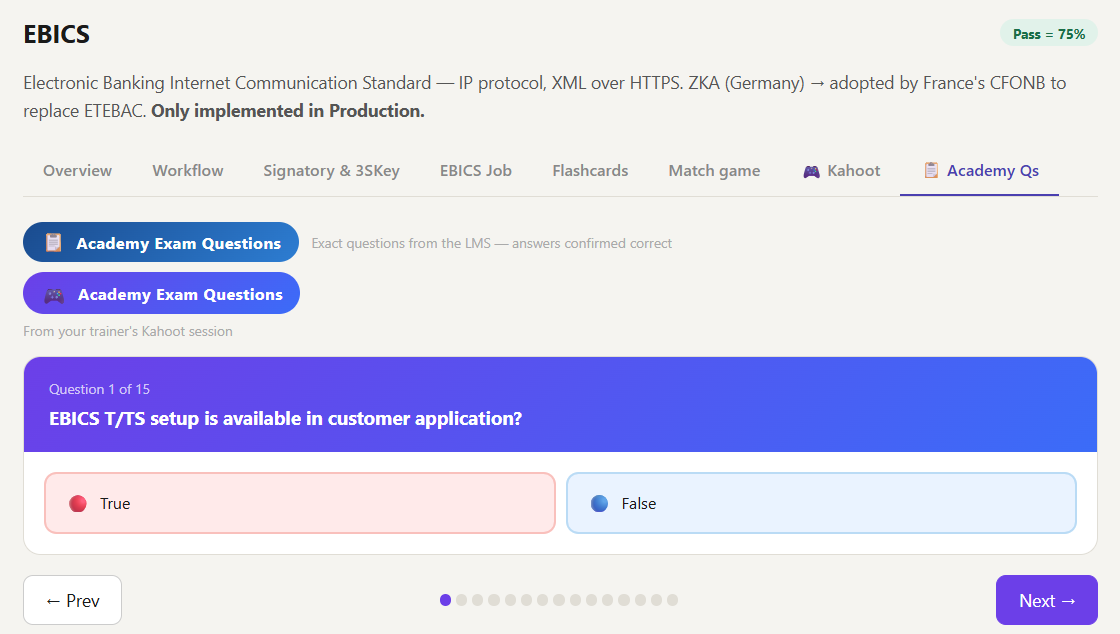
Academy Questions
The Kyriba ELMS (Learning Management System) has its own set of academy questions for each module. Rather than jumping between the LMS and your notes during revision, I pulled all of these into the app so everything is in one place.
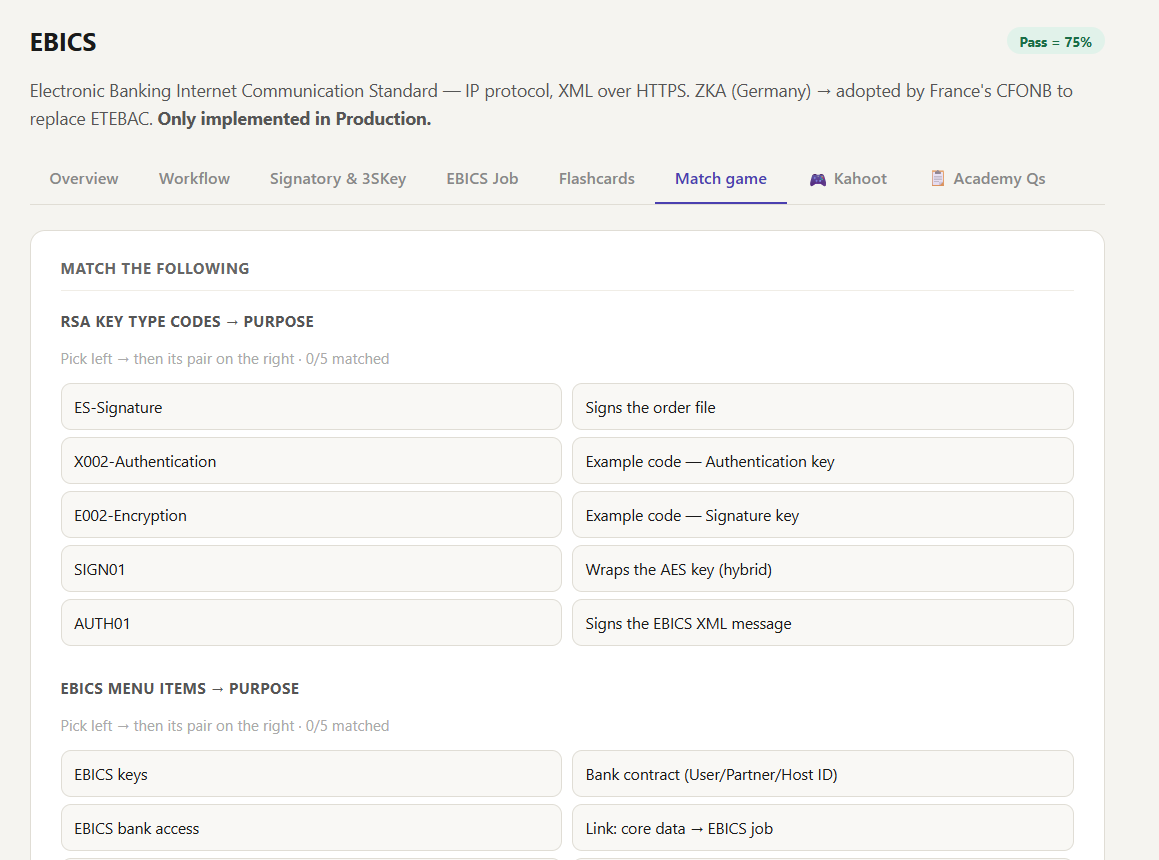
Match the Following
The exam uses a match-the-following format, particularly for setup exercises. It tests whether you know exactly what goes into each Kyriba screen field for each setup scenario. I built four match sets, one per class exercise, covering field names and their correct values.
Full Exam Practice
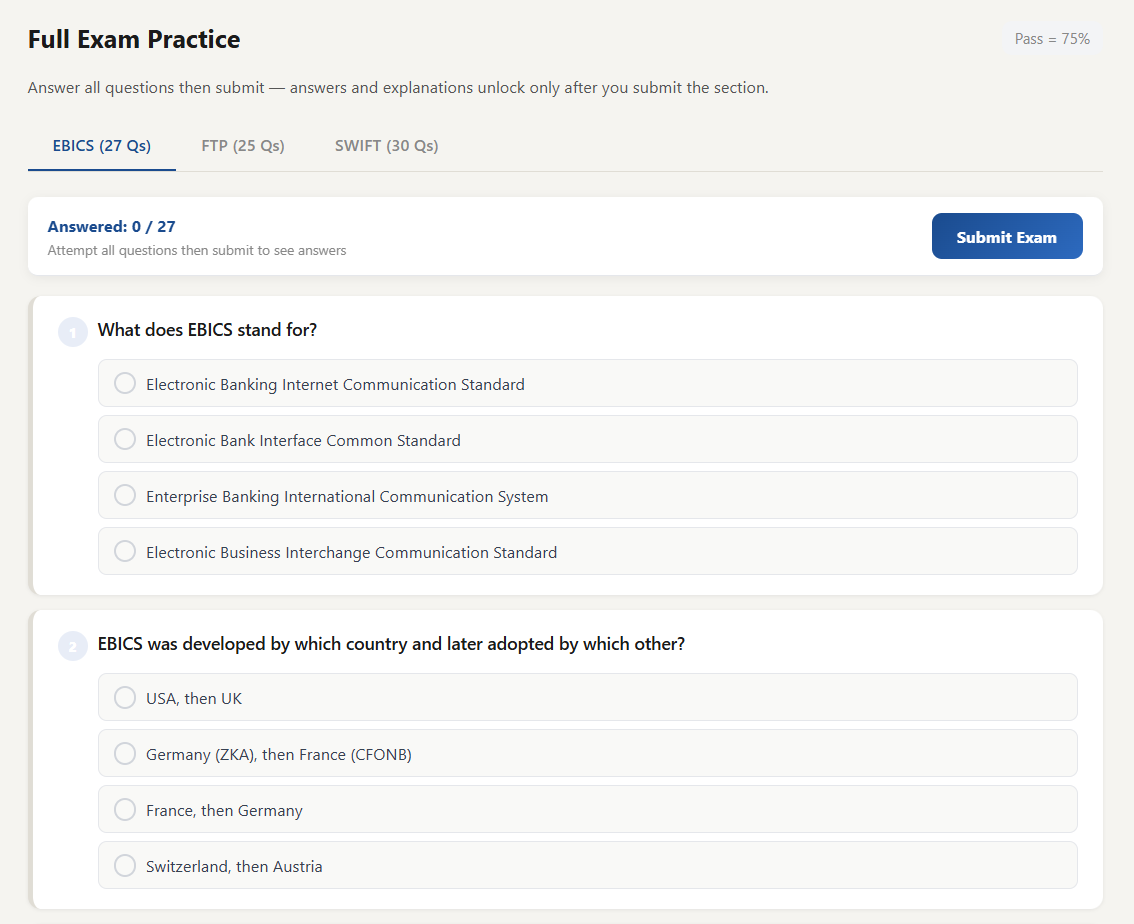
82 questions across EBICS (27), FTP (25), and SWIFT (30). You attempt everything first. Answers and explanations only unlock when you submit. Pass mark is 75%, matching the actual certification threshold.
Key Things the Exam Will Test
EBICS
- EBICS request type must always be lowercase. Uppercase throws an Invalid Order Type error and is one of the most common mistakes in implementation.
- EBICS is Production only. There is no Sandbox configuration, which catches people off guard.
- Signatory types: T = technical subscriber with no signing right, E = sole signatory, A and B must always be paired together. Neither A nor B can authorise a payment alone.
- VEU = Distributed Electronic Signature. Enables multiple parties to sign a payment from different locations.
- Order types to know: STA = end-of-day statement, VMK = intraday, FUL = file upload (payments), C52 = ISO 20022 intraday, C53 = ISO 20022 end-of-day.
- Best practice: STA scheduler = End of Day. VMK = every 1 to 2 hours. Never over-poll.
- 3SKey is a personal USB token for electronic payment signing, compatible with over 3000 banks globally.
- Bank key renewal takes approximately 30 seconds. You do not need to re-initialise the full EBICS setup.
FTP / SFTP
- NC4 = Naming Convention version 4. If not followed, filters break and the customer loses key functions.
- When Kyriba hosts (Kapp): Kyriba = FTP Server, Customer = FTP Client. Folder structure is /in and /out, lowercase and exact.
- When the customer hosts: Kyriba = FTP Client. Remote Directory = . (dot) for root. For sFTP, no leading slash in the path.
- Scheduler is for inbound only. Default cycle = 10 minutes. For outbound, use Customizable Export File.
- PAYMFW uses %NC4NAME as the remote name and transmits via “Transmit to Customer”, not FTP. Kyriba does blind routing with no content check.
- Dispatch Incoming File = Forward Bank File to Customer (BANKFW). File Dashboard shows ERP files only. Monitor Traces shows bank files.
- Mode for all FTP parameters should be BIN, not ASCII.
- %hh belongs in OUT Remote Name only. Using it in In Read Files is a common misconfiguration.
SWIFT
- A BIC is 8 or 11 alphanumeric characters: bank code (4) + country (2) + location (2) + optional branch (3).
- MT Concentrator uses Kyriba’s shared BIC11. The client has no BIC of their own. No SWIFT membership required.
- SCORE = bank administers the closed user group. MACUG = client administers, more control.
- ACK3 = technical acknowledgement (file received by SWIFT network). ACK4 = functional (processed by bank). If ACK3 is received but payment is missing, check file integration and format.
- FileAct parameters: DN separator = comma, file info separator = semicolon. Data sign = 1 triggers an approval workflow.
- FAT = FileActOut channel code. SEPA credit transfer uses UTF-8 with character set limitations. XML uses UTF-8 with no limitations.
The Takeaway
Building the app was the revision. Every flashcard written, every match pair designed: active recall beats passive reading every time.
If you are preparing for Kyriba Connectivity or working on Kyriba projects, feel free to reach out.
Connect on LinkedIn: linkedin.com/in/dasjuthika